
Wear Valley Digital · Property Tools
Keep your landlord bookkeeping organised
A structured Excel ledger for property income and expense records.
This product is not currently available to purchase.
Currently unavailable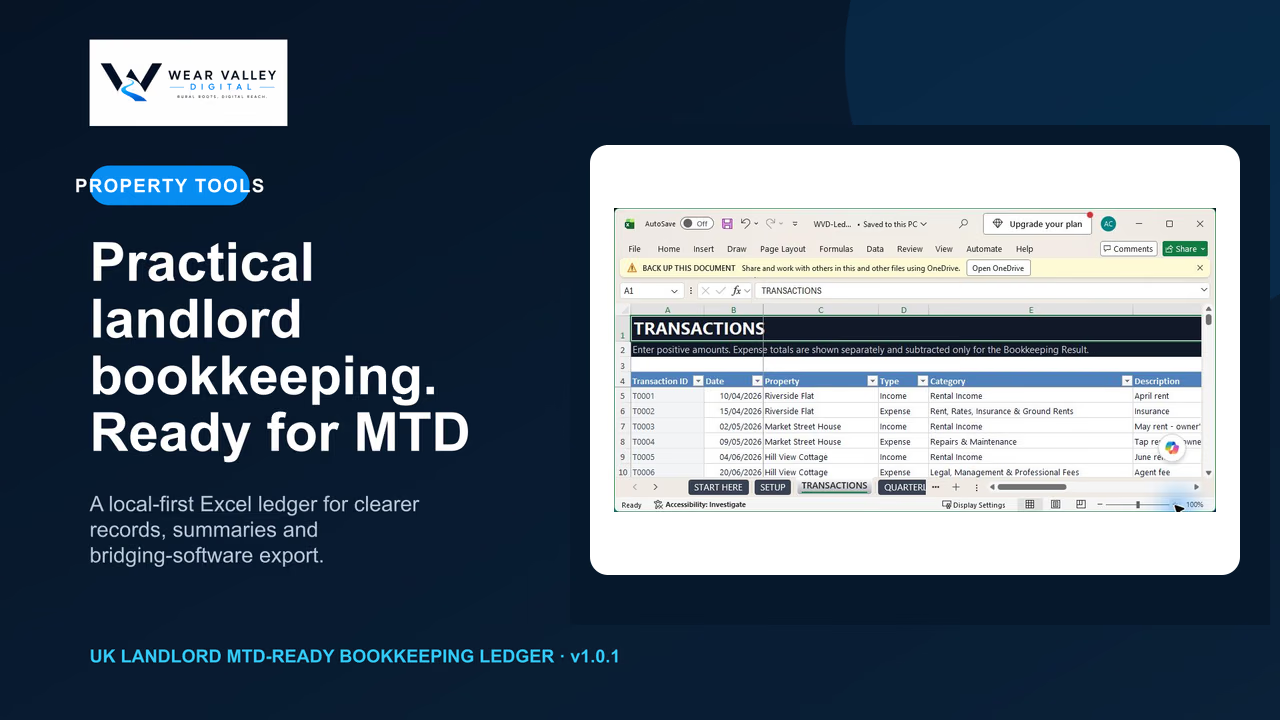
Overview
A closer look at UK Landlord MTD-Ready Bookkeeping Ledger
The problem
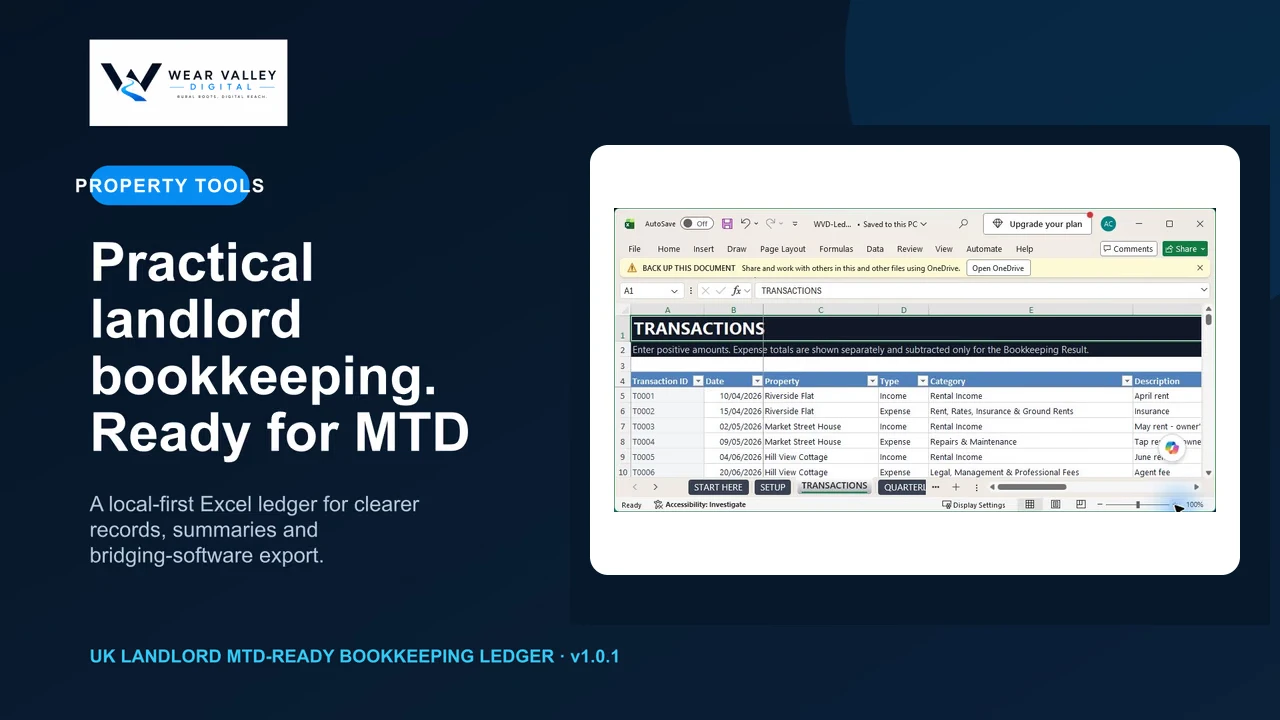
Property bookkeeping can become fragmented and difficult to prepare for digital reporting workflows.
The outcome
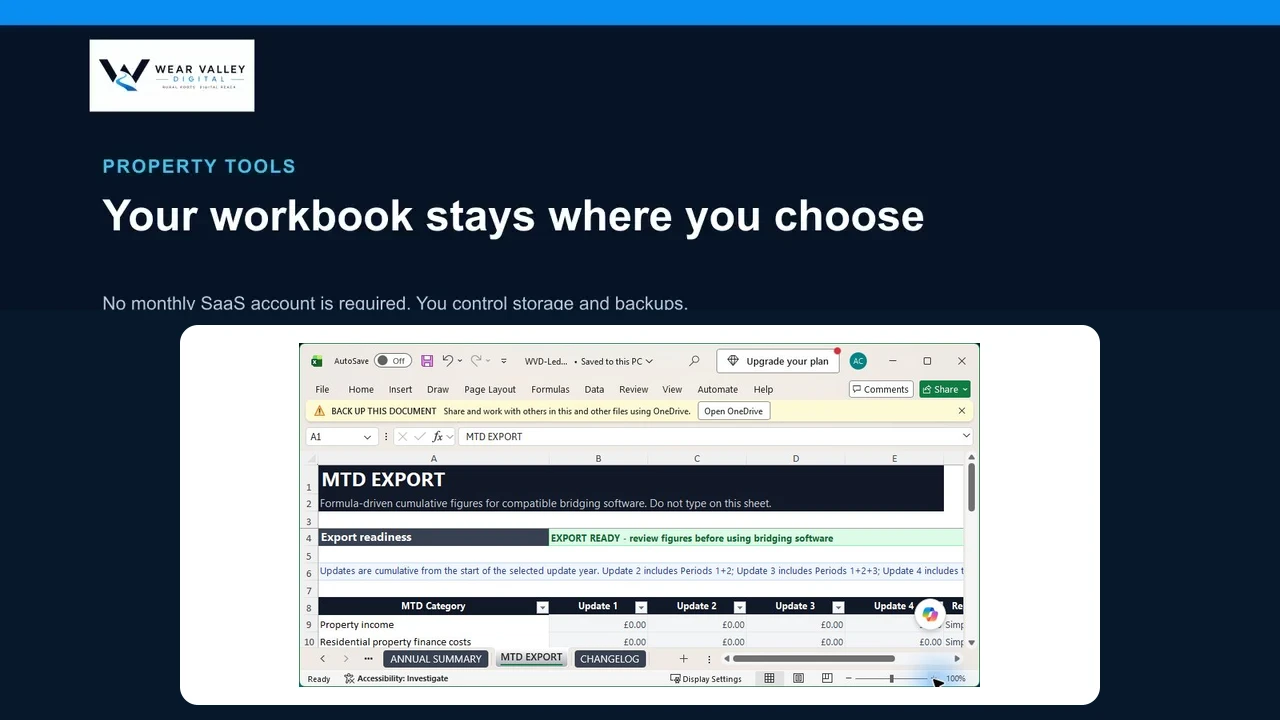
Maintain orderly spreadsheet-based records ready for review and compatible bridging-software preparation.
Product demonstration
See UK Landlord MTD-Ready Bookkeeping Ledger in use
How it works
- Download and open the workbook in Microsoft Excel.
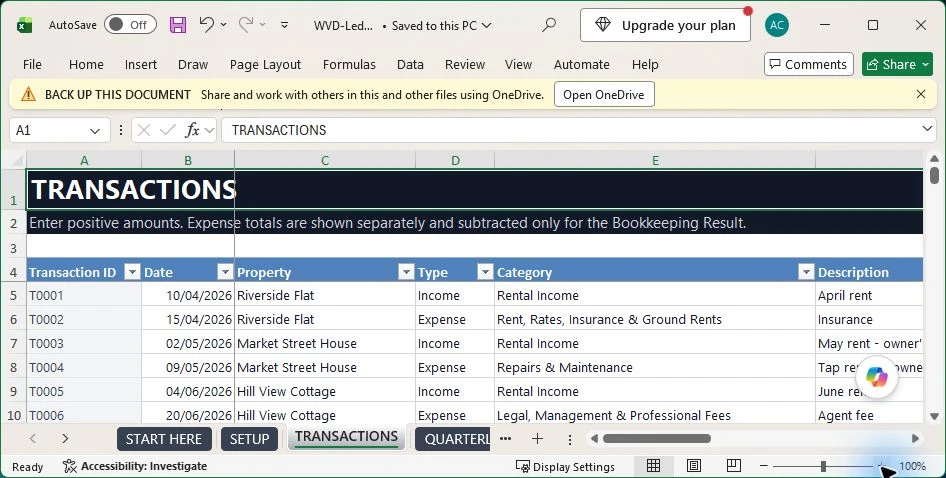
- Enter property income and expense transactions as they occur.
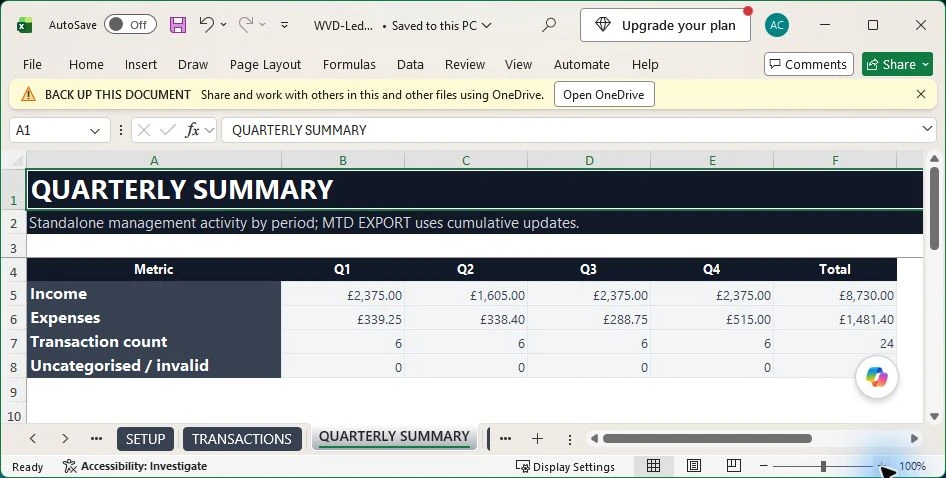
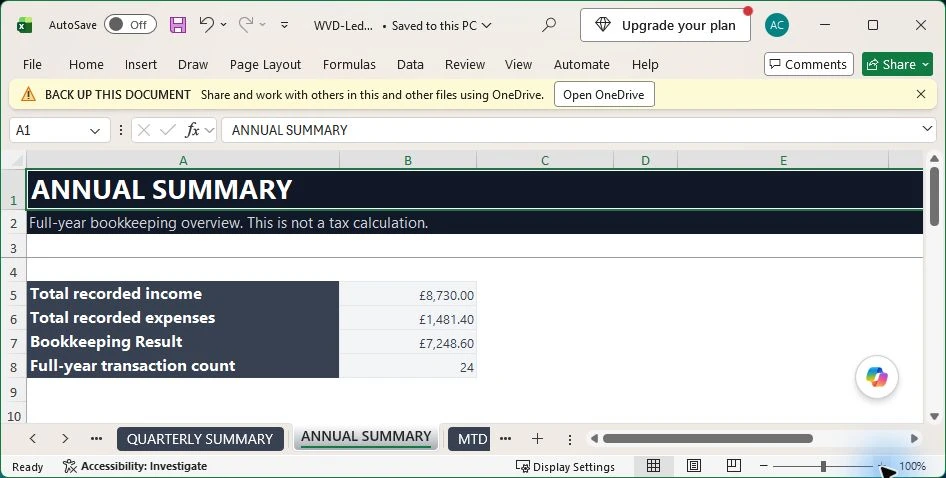
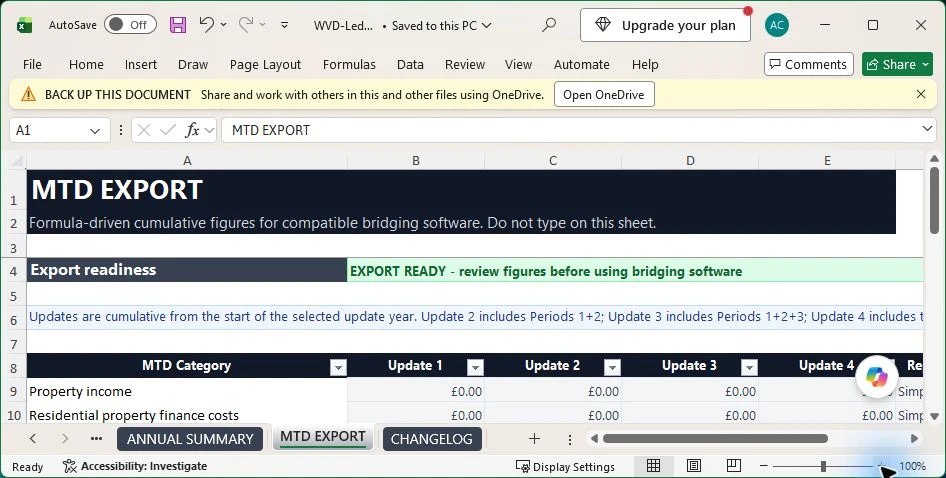
- Review the summaries and prepare the records for your chosen compatible workflow.
What’s included
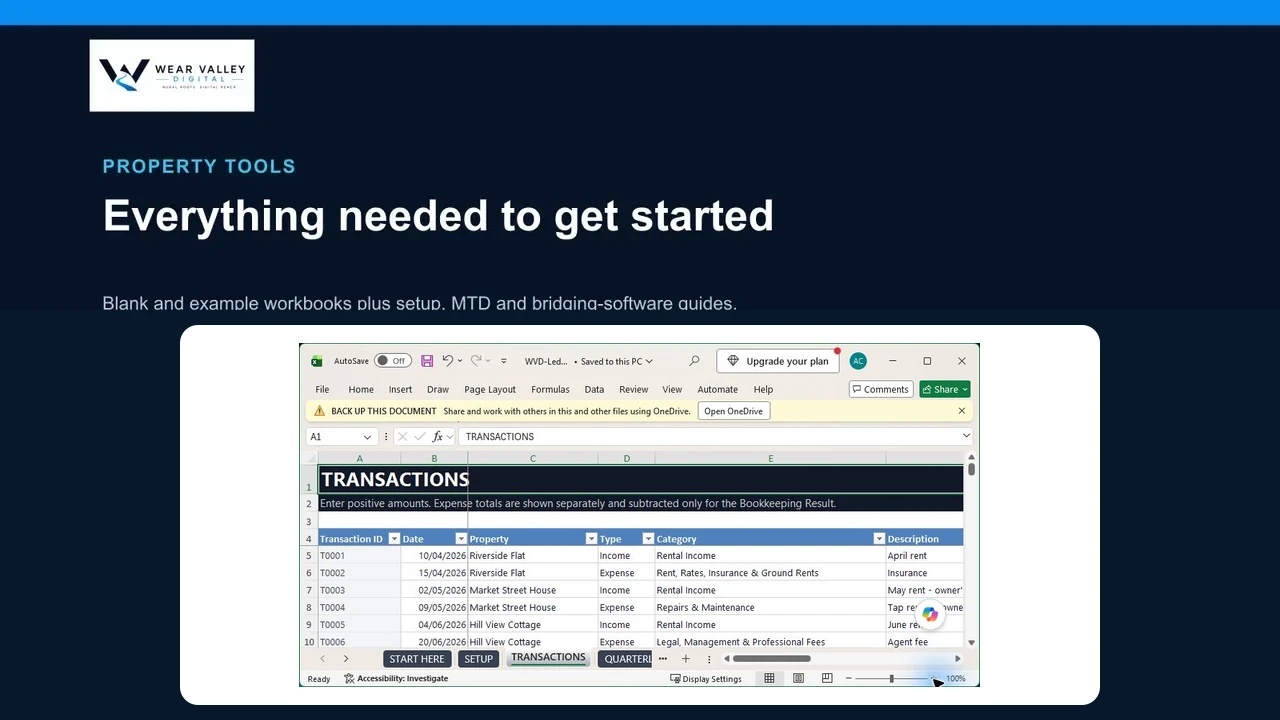
Product screenshots
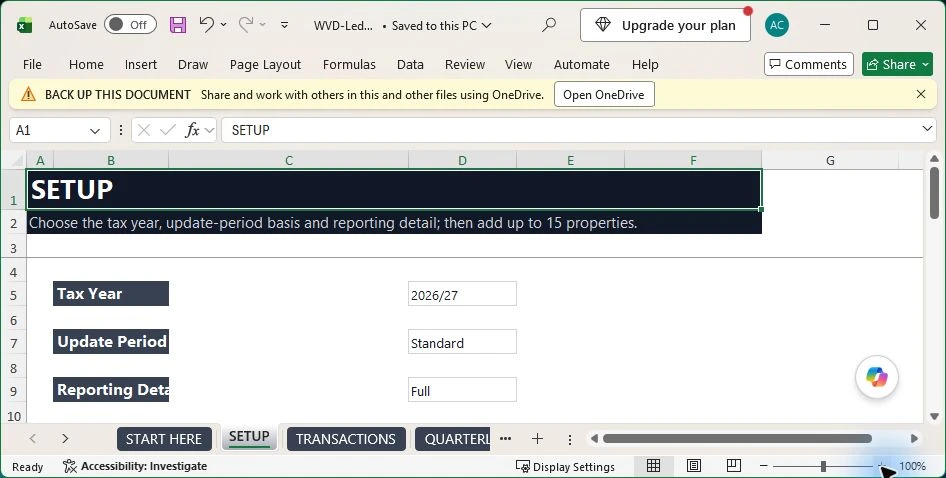
Benefits
- Keep income and expense records in one structured workbook.
- Reduce time spent reorganising transactions before review.
- Prepare spreadsheet records for use with compatible bridging software.
Compatibility
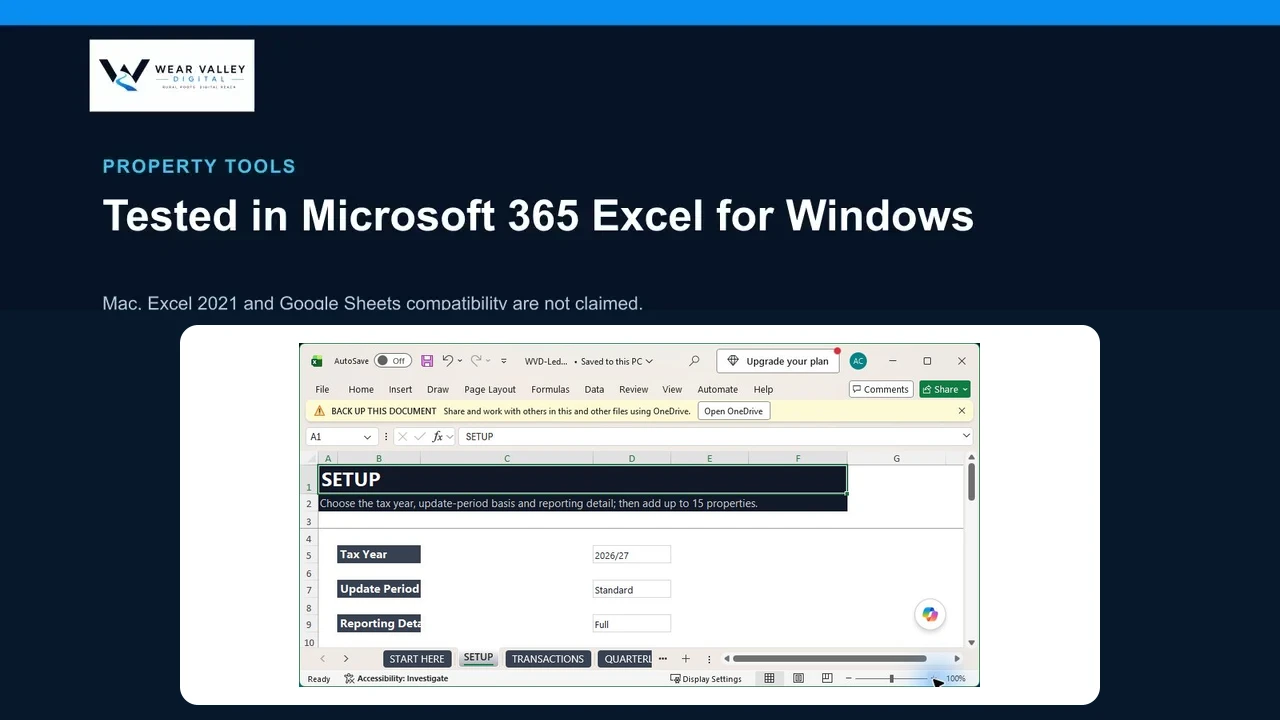
- Tested in Microsoft 365 Excel for Windows
- Excel for Mac compatibility is not currently claimed
- Excel 2021 compatibility is not currently claimed
- Google Sheets is not supported in V1
Requirements
- Microsoft 365 Excel for Windows
- Basic familiarity with spreadsheet data entry
Product trust
Version 1.0.1 · Updated 2026-08-27
Product support covers access to the supplied files and correction of confirmed file defects. It does not include tax, accounting, legal, setup, or personalised advice.
Questions
Does this work with Google Sheets?
No. Google Sheets is not supported in V1. The current release is tested in Microsoft 365 Excel for Windows.
Does this submit information to HMRC?
No. It is a record-keeping workbook and does not file returns or replace compatible submission software.
Important information
This digital download is a bookkeeping aid. It does not submit directly to HMRC, calculate final tax, or provide accounting or tax advice.
This product is a bookkeeping aid, not tax, accounting, legal, or financial advice.